
Your AI project manager
A kitchen remodel. A deck build. Any project with people, schedules, and decisions—Fusix keeps it all moving.
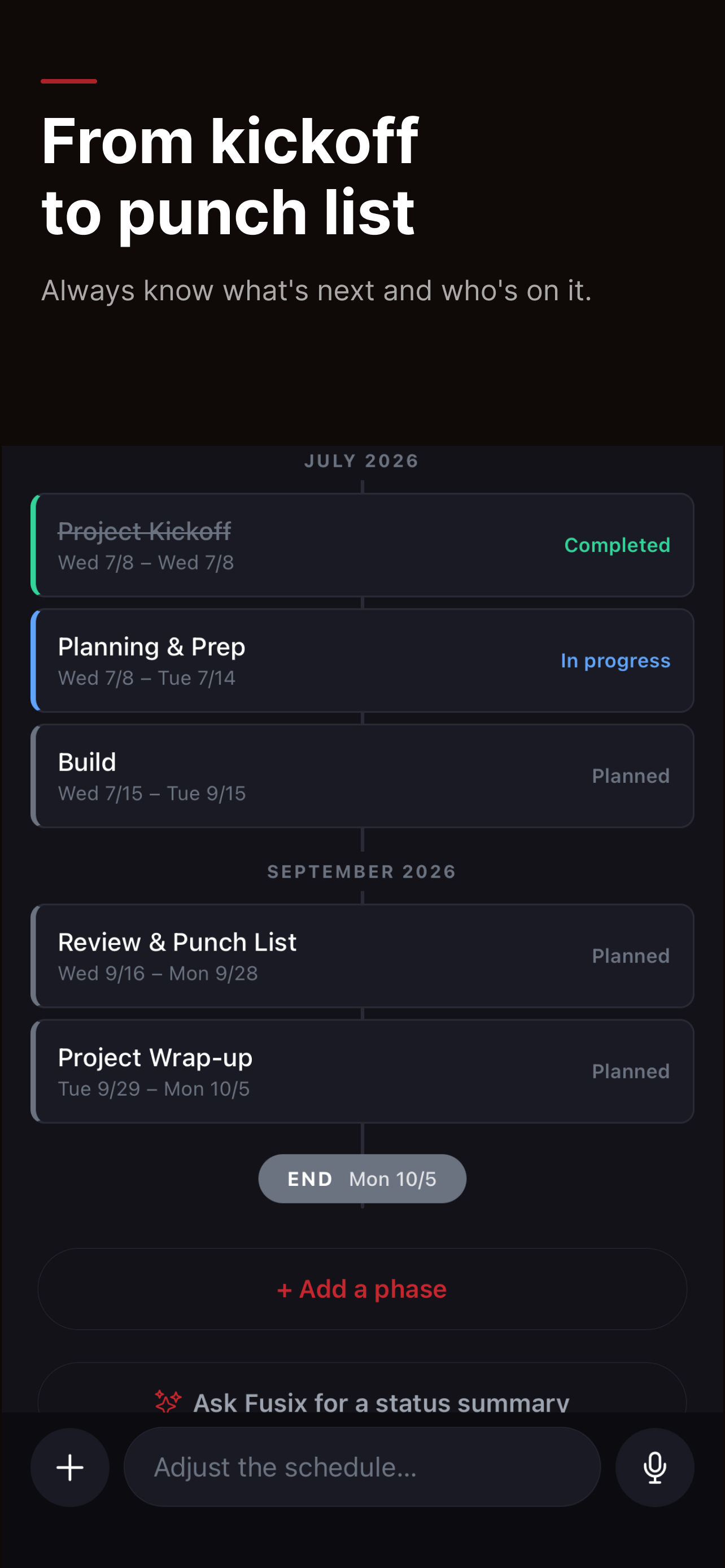
Project Chat
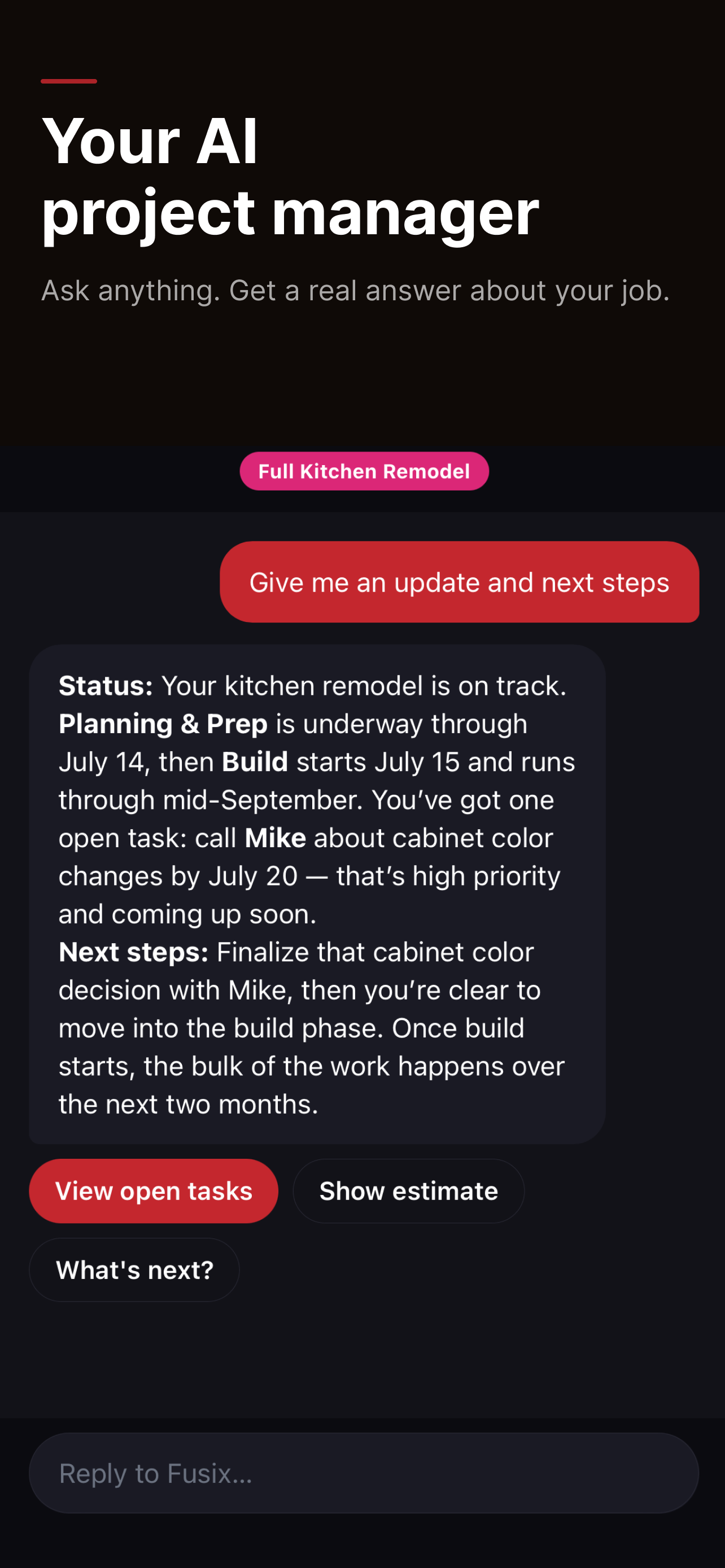
Ask anything. Get a real answer.
Fusix knows your project — the schedule, the files, the people. Ask for a status update, a summary, or what's next. Tap a chip to go deeper without typing a word.
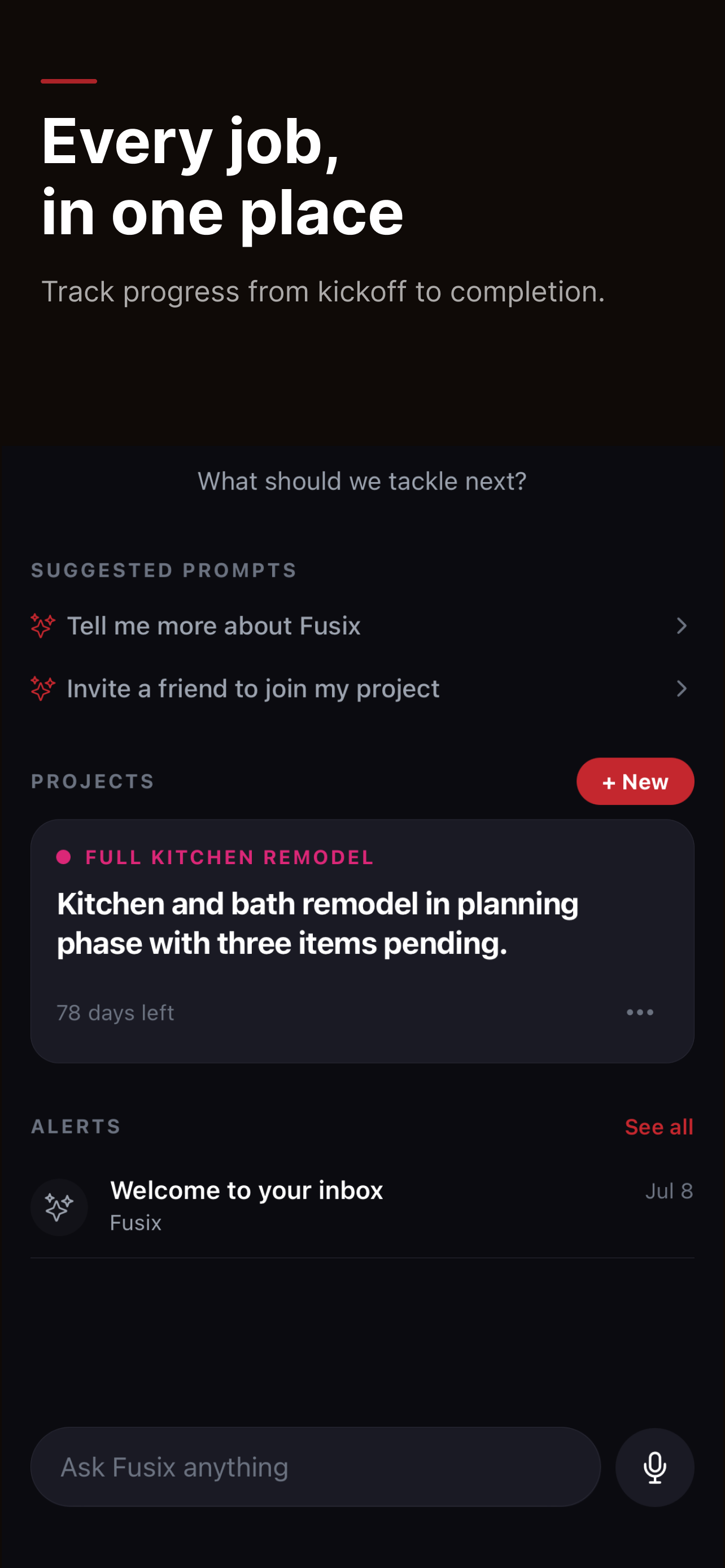
Every job, in one place
Track progress from kickoff to completion.
All your active projects on one screen. See what needs attention, what's moving, and what Fusix flagged — without opening each job.
Project Box
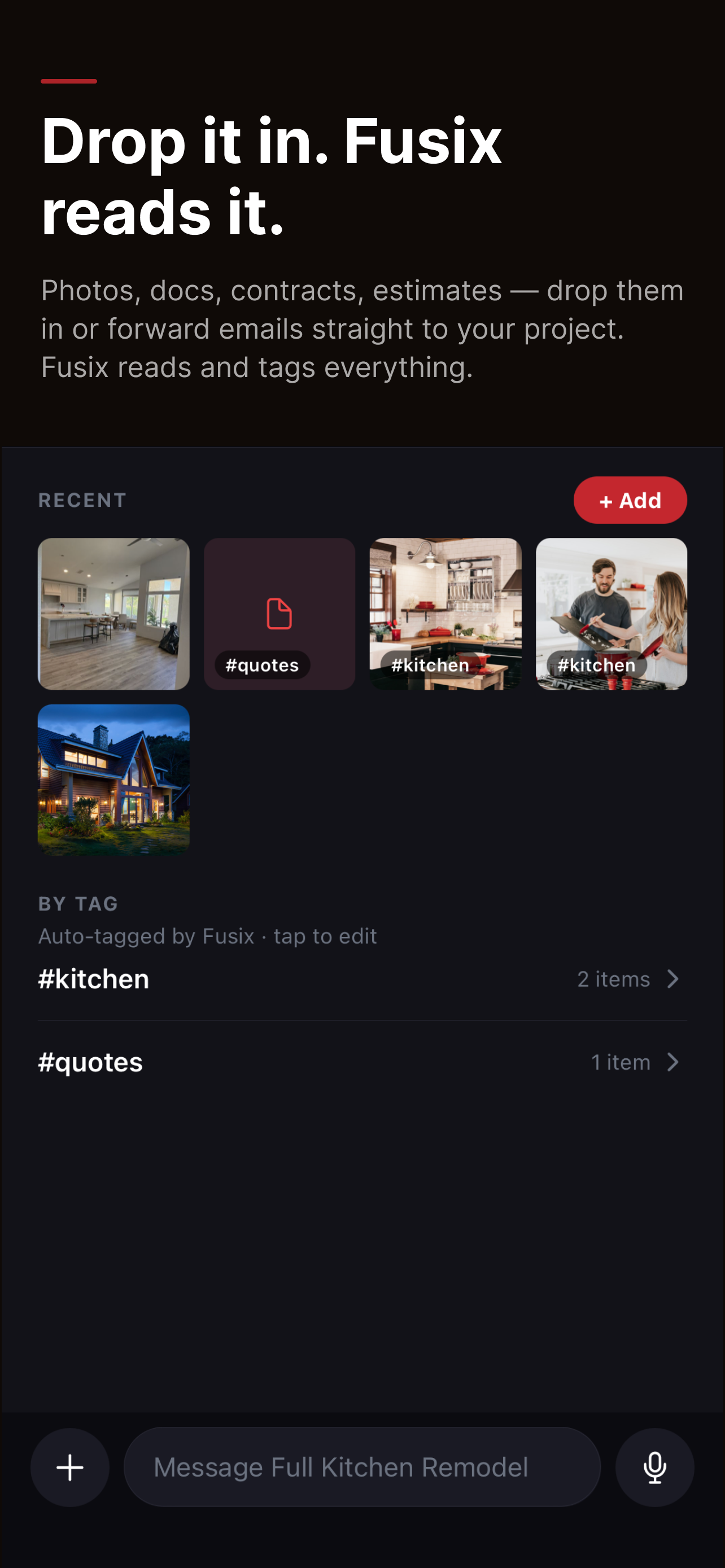
Drop it in. Fusix reads it.
Photos, docs, contracts, estimates — drop them in or forward straight to your project email. Fusix tags and tracks everything so nothing gets buried.
Lists
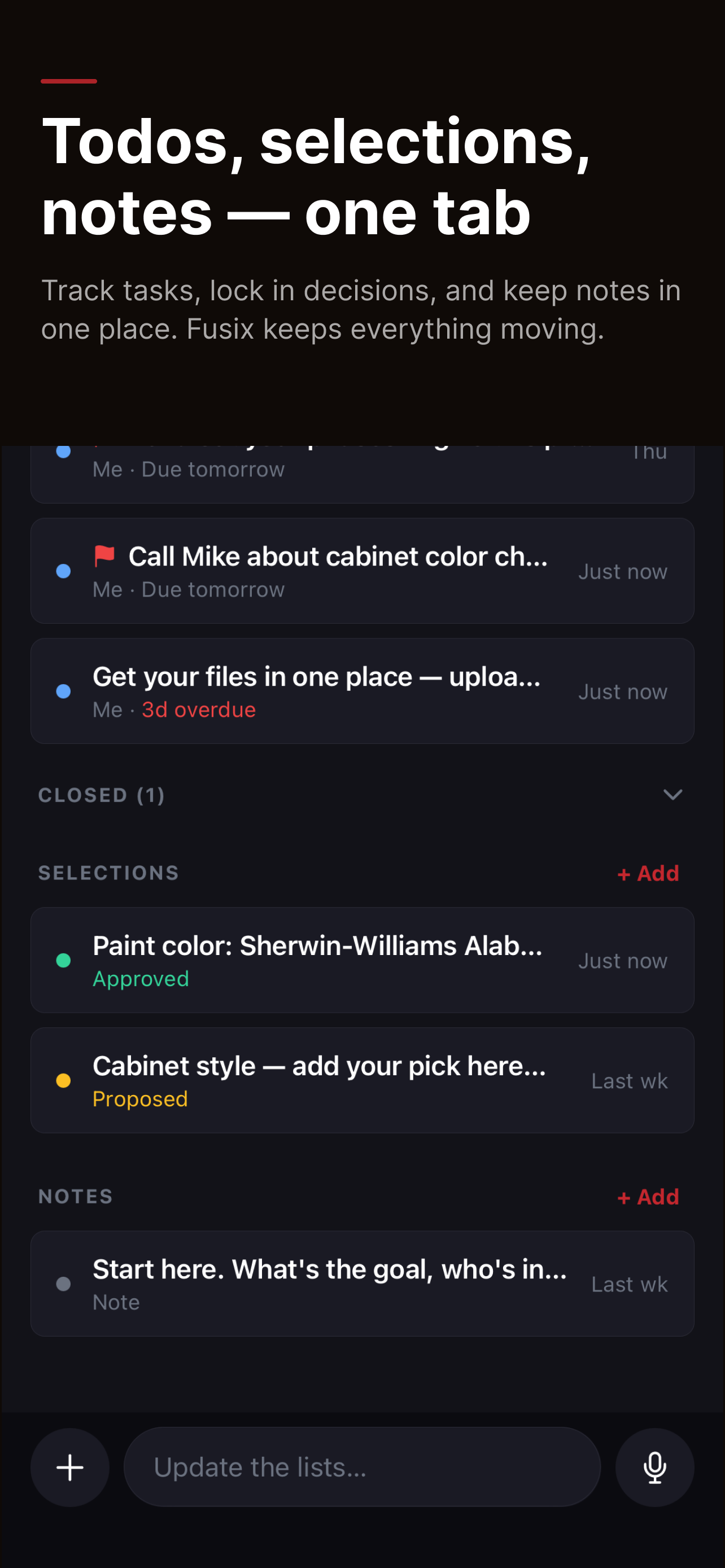
Todos, selections, notes — one tab.
Track tasks, lock in decisions, and keep notes in one place. Fusix wraps and keeps moving.
Group
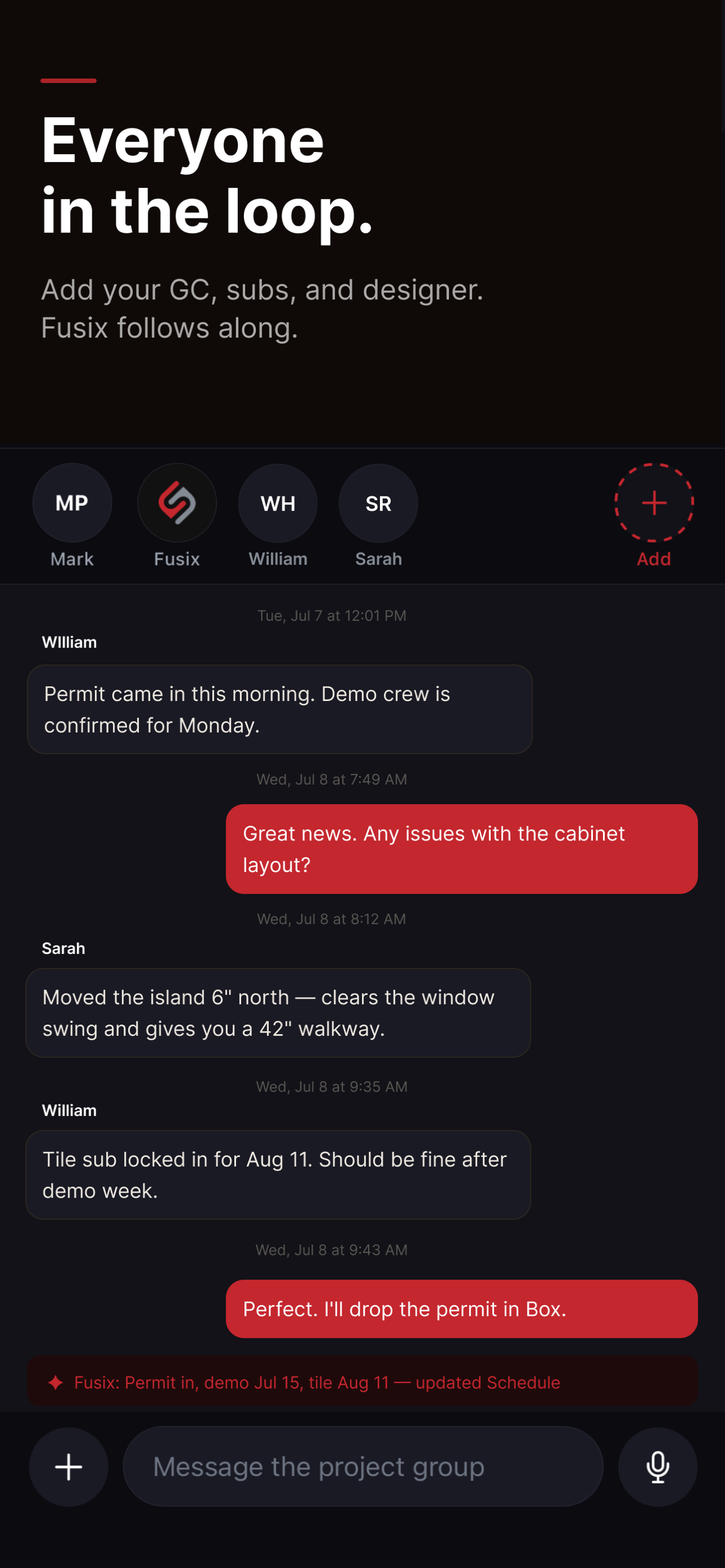
Everyone in the loop.
Add your GC, subs, and designer to a shared project thread. Fusix follows along, answers questions, and keeps the record straight — so everyone stays on the same page.
Built for everyone on the job
General Contractors
One record per job.
Manage subs, keep owners informed, and stay on top of every open item — from the truck, not the office.
Homeowners
Know what's happening.
Log decisions, track the schedule, and finally know where things stand — without chasing anyone for updates.
DIYers & Makers
If it has steps, Fusix can run it.
A materials list, a timeline, too many ideas in your head — Fusix keeps it organized so you can focus on making.
Start your first project free.
Sign in with Apple or Google — your project is ready in two minutes.
Download on the App Store